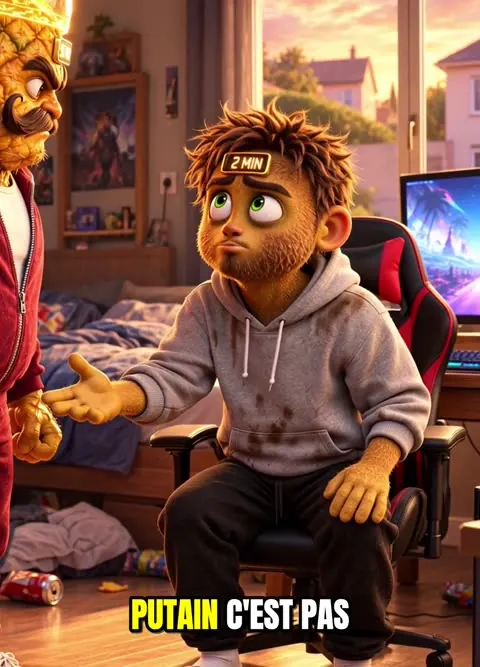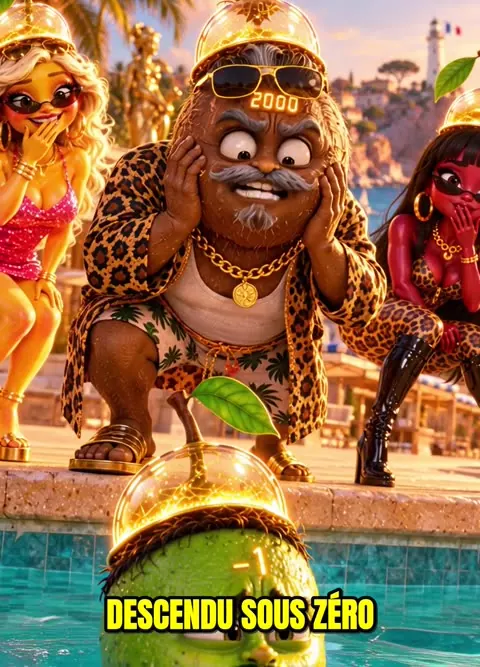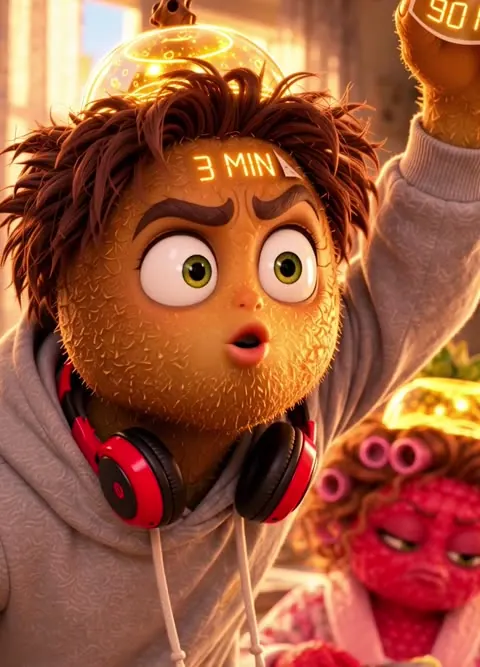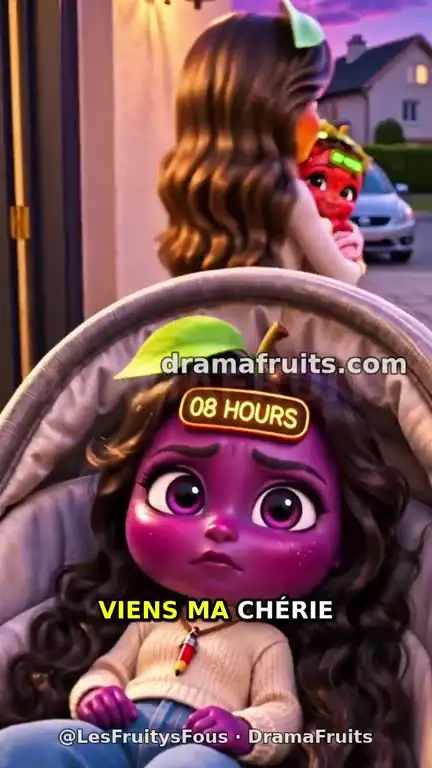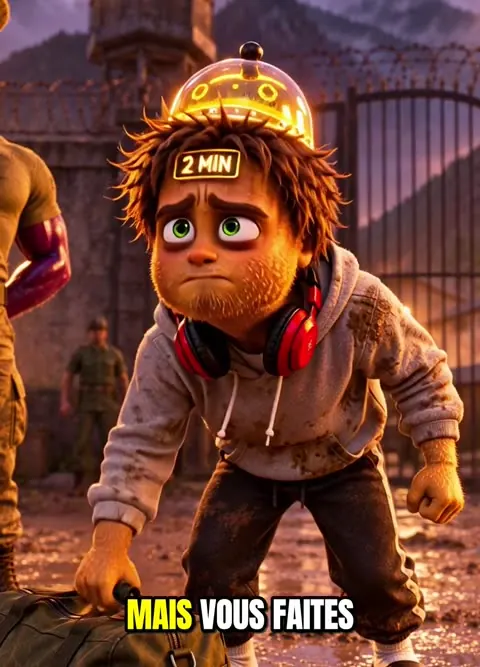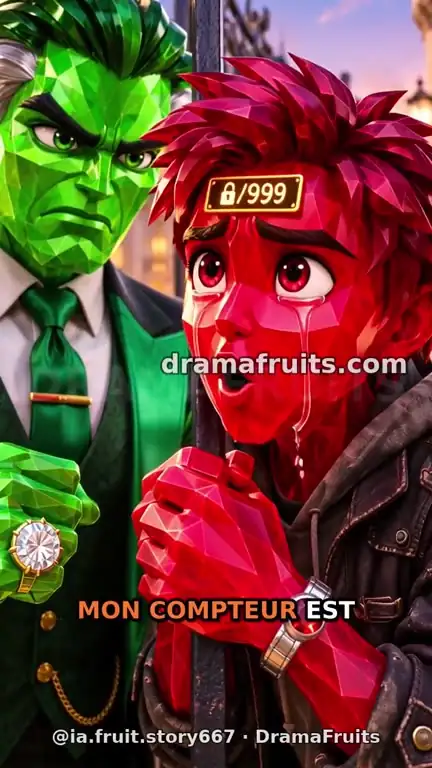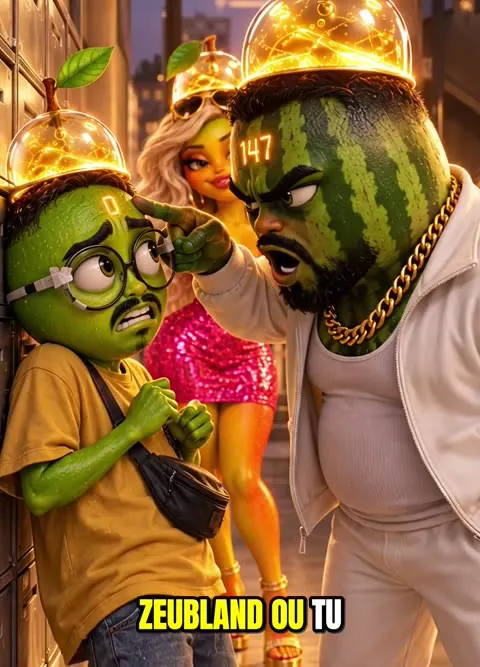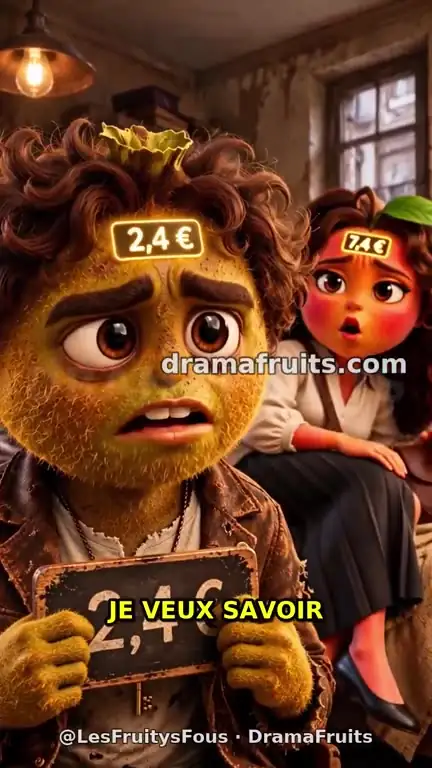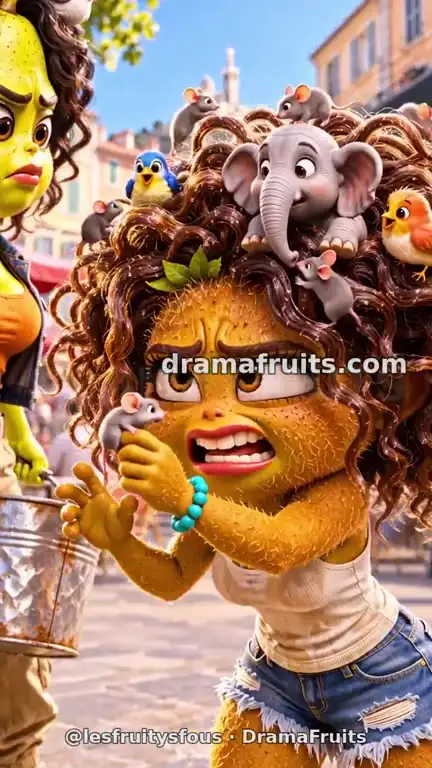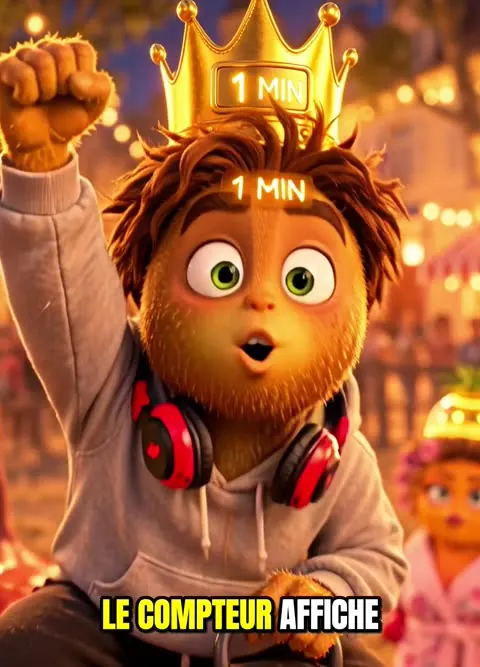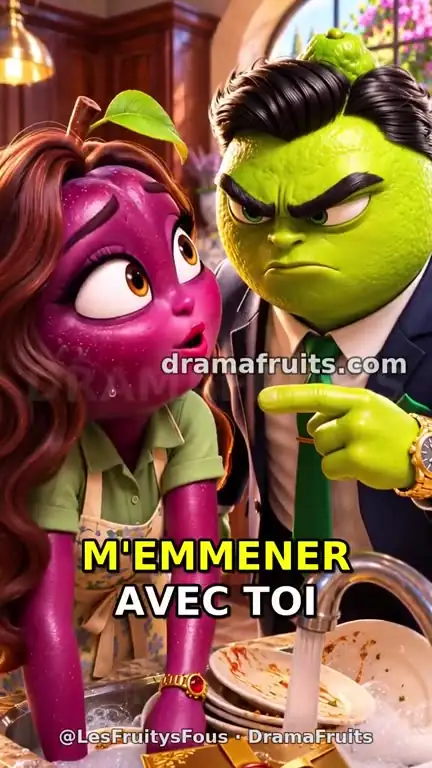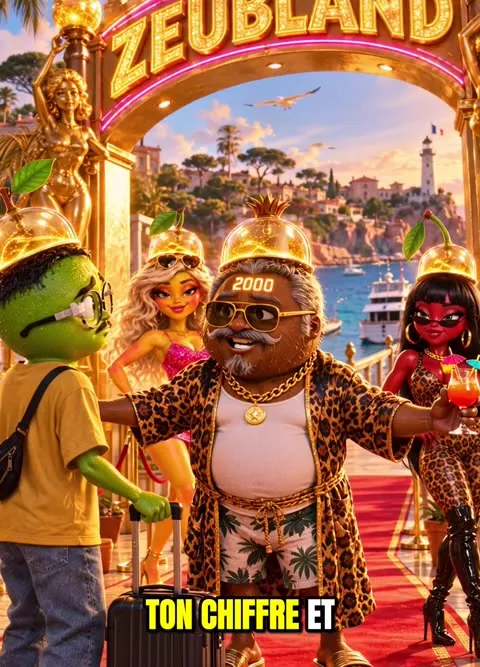
Making a fruit talk on screen, with a real expression and a voice that fits the scene, is now within anyone's reach. Here's the method that gives the cleanest results.
Step 1: write a short, scene-by-scene story
Before generating anything, write your story in very short scenes. A good base: about ten 6-second scenes, with two or three lines each. 6 seconds is about 16 to 20 spoken words: a fast delivery, more dynamic. Beyond that, the voice speeds up too much and can swallow words.
One scene = one continuous shot. If you want to change angle, make a new scene: the edit makes the cuts, not the AI.
Step 2: create a reference sheet for each character
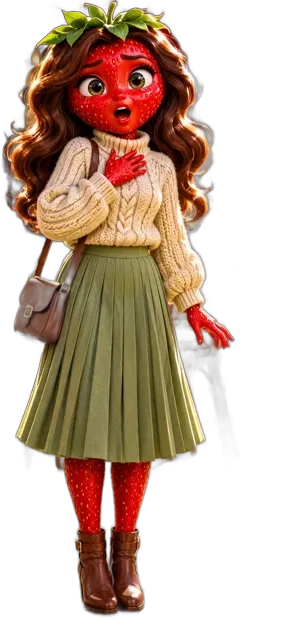
Ask ChatGPT for one image per character, full body, facing the camera, on a plain background: the fruit, its face, its hair, its outfit and one fixed detail (glasses, a necklace, a cap). You'll attach these sheets to every scene image to keep the same faces.
Step 3: generate the image for each scene
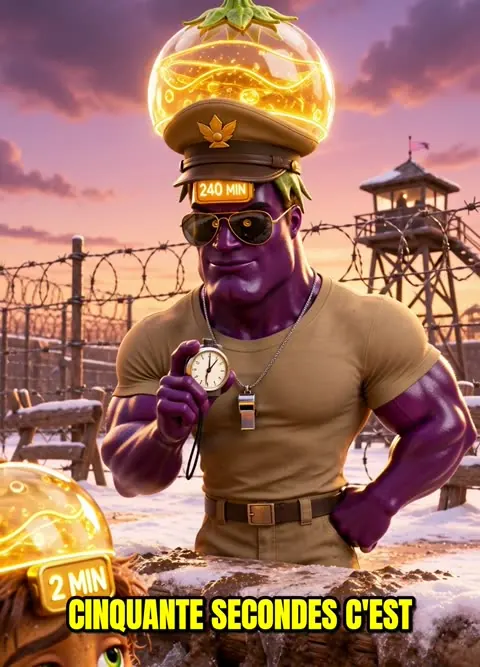
For each scene, attach the sheets of the characters present and describe the setting, the framing and what each one is doing. Choose the vertical 9:16 format from the start: cropping afterwards cuts off heads.
- Describe each character's emotion, pushed to the max.
- Catch the gesture as it begins, not a frozen pose.
- Avoid any text in the image: AI writes it badly.
Step 4: animate and make them talk with Grok
Send each image to an AI video tool like Grok, with the lines and a short description of each character's voice (age, tone, pace). Keep the same voice description from one scene to the next: that's what makes it feel like a real series.
Put the emotion in the acting direction of the line, not in the voice description: the voice stays the same, the acting changes.
Step 5: edit, subtitle, post
Put the clips in order, cut the silences at the start and end of each scene, add readable subtitles and end with a call to comment for the next part. A video without subtitles loses a big share of people watching with the sound off.
Save time
Doing all this by hand takes several hours per episode. DramaFruits runs the steps for you with your own ChatGPT and Grok accounts, then edits the video with karaoke subtitles and writes the caption.
FAQ
Which tool for the voices?
Recent AI video tools like Grok generate the animation and the voice together from the image and the lines.
Why do my characters change faces?
Because each image is generated without a reference. Always attach the character's reference sheet.
Your first fruit drama on autopilot
One idea is enough: DramaFruits writes the story, generates the images and clips with your ChatGPT and Grok accounts, then edits the video and prepares the caption.
Create my first episode